Multi-tab chat, a node-graph automation engine, an integrated terminal, finance charts, scheduled agents, and a layered memory system — all running on your own machine, owned entirely by you.
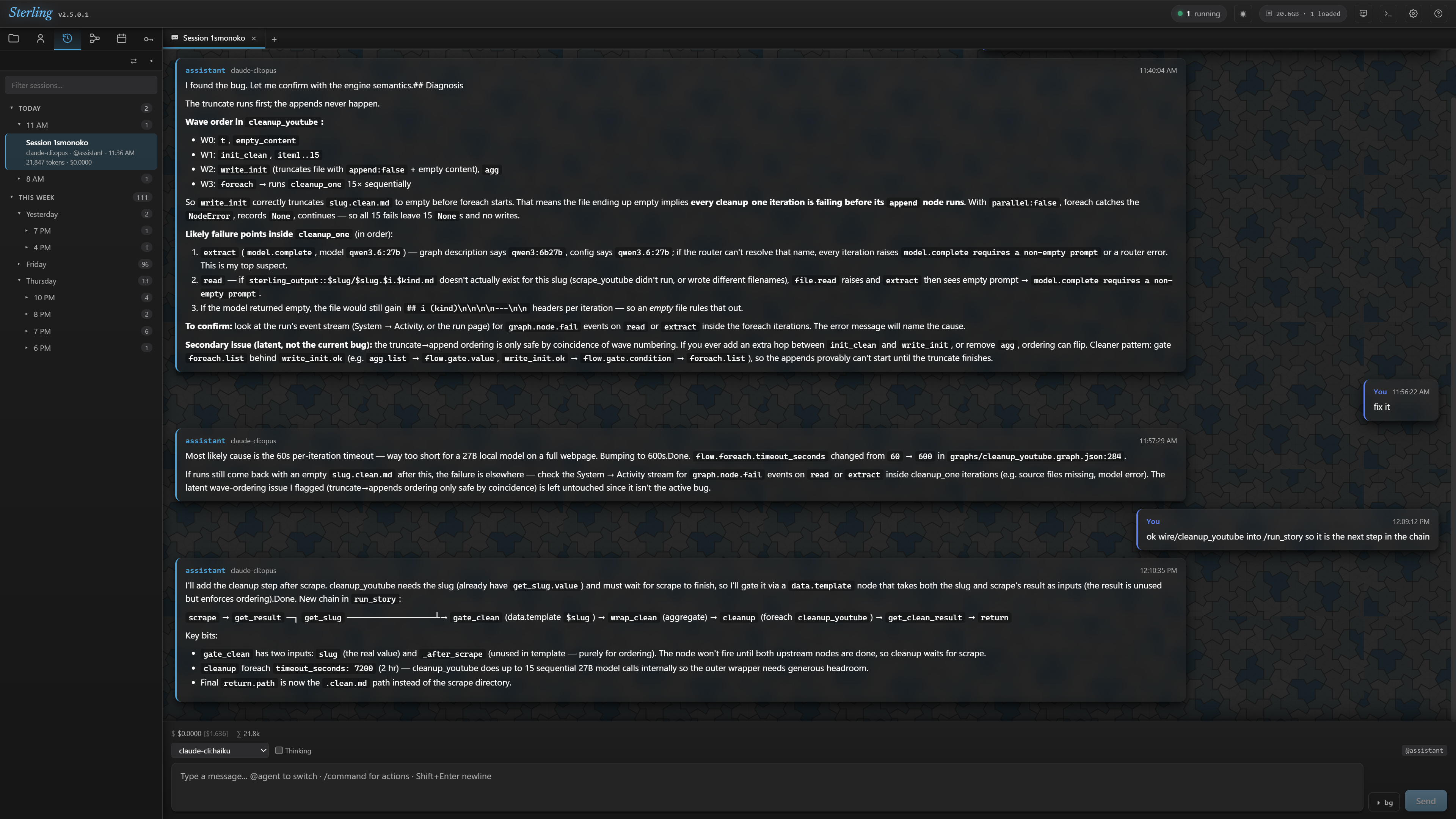
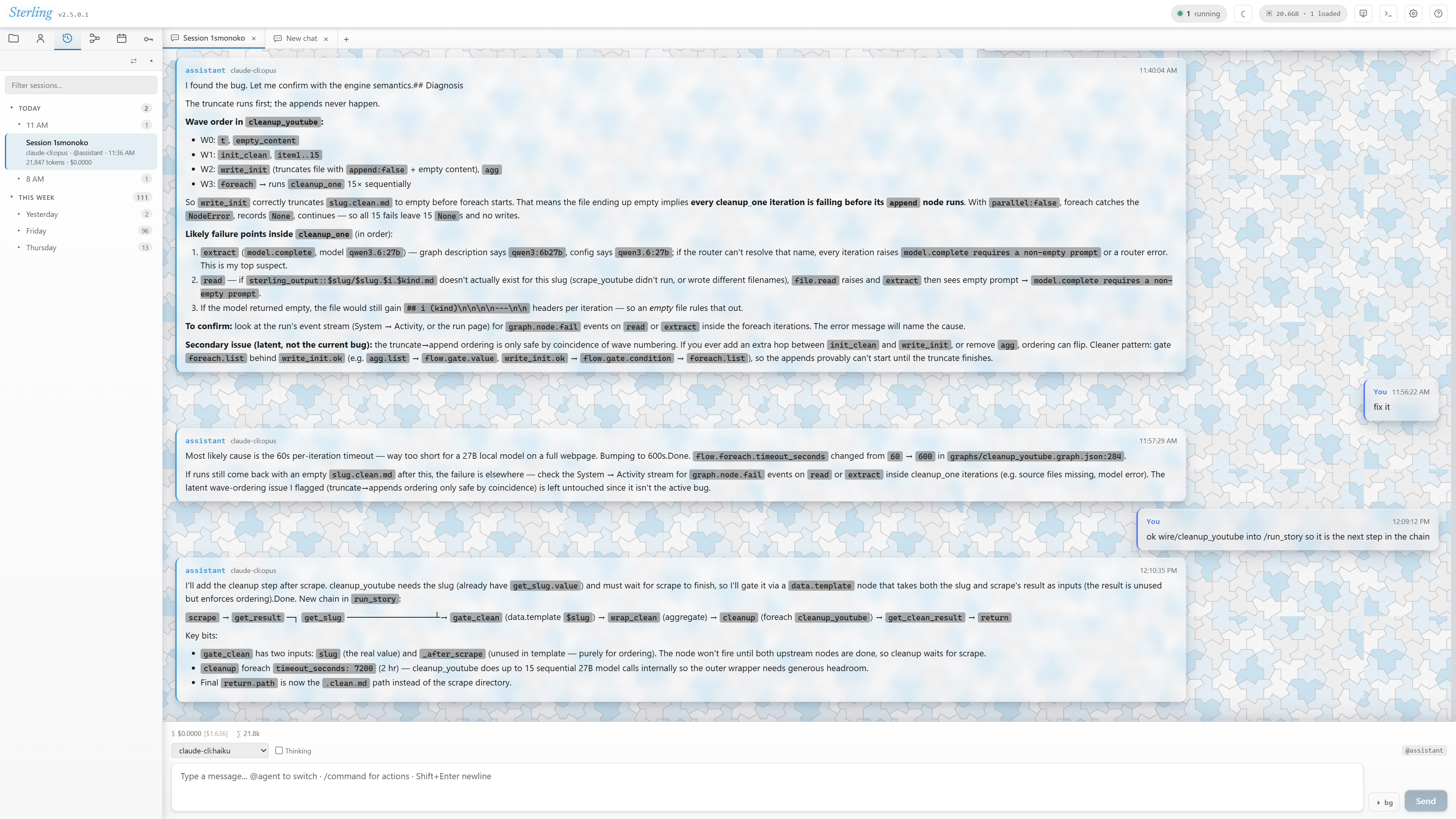
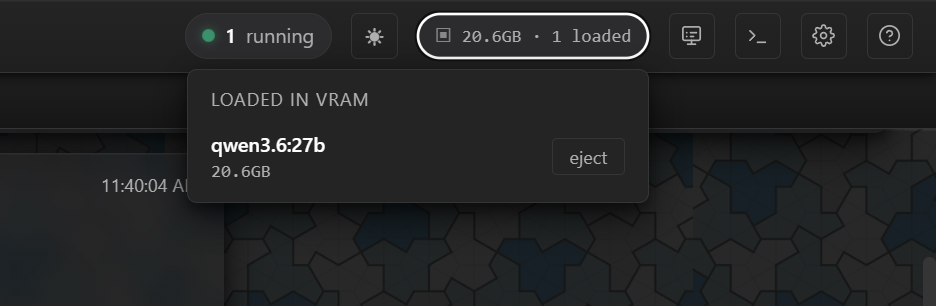
Sterling routes every send through a unified model router. Switch providers per message, mid-conversation. Cost ticker tracks real spend — including a subscription-equivalent stat for flat-rate Claude.ai CLI sessions.
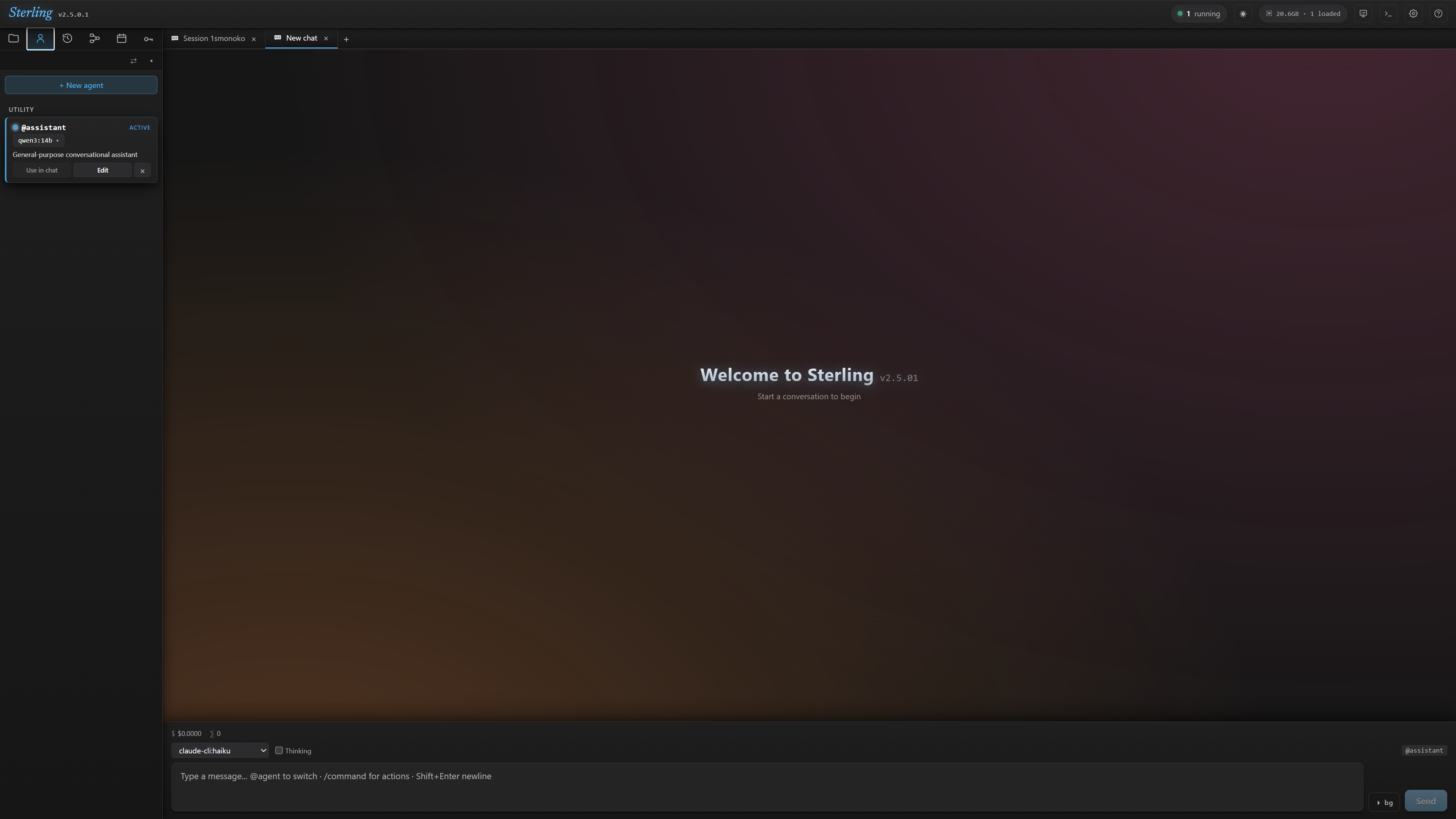
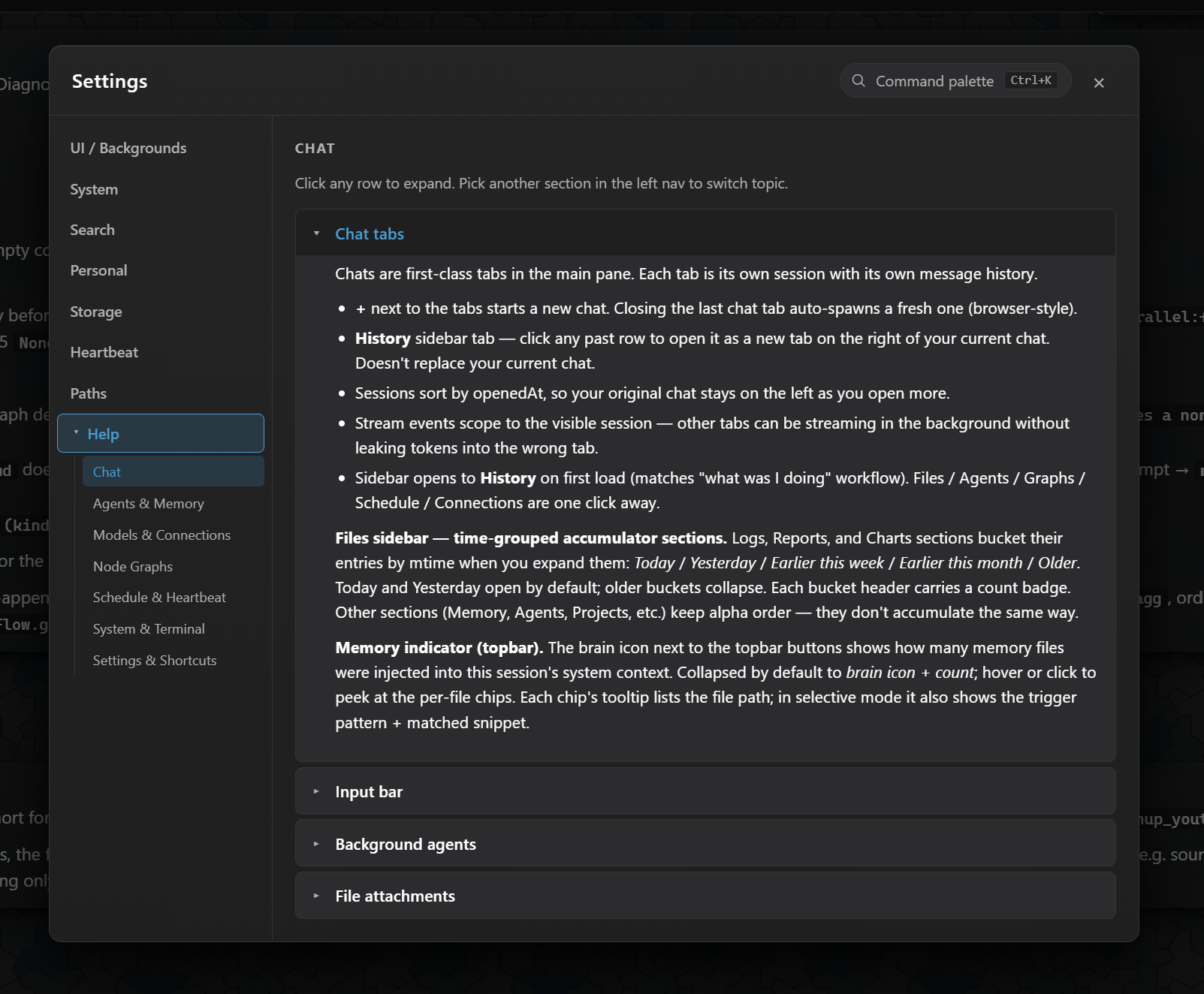
Open as many sessions as you need. Background send lets you fire off a task and return while the agent works. ESC cancels any stream, instantly, across every provider.
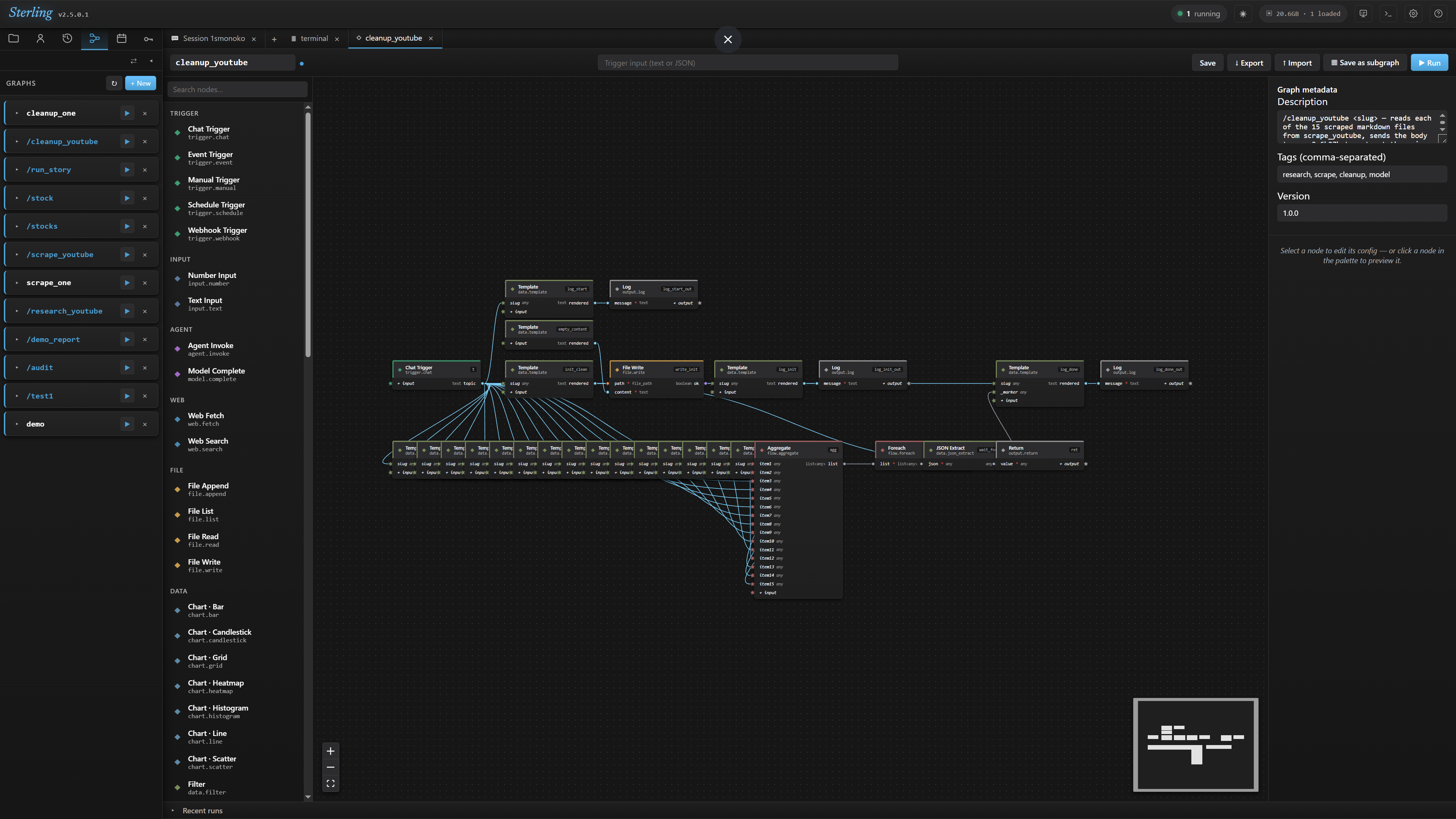
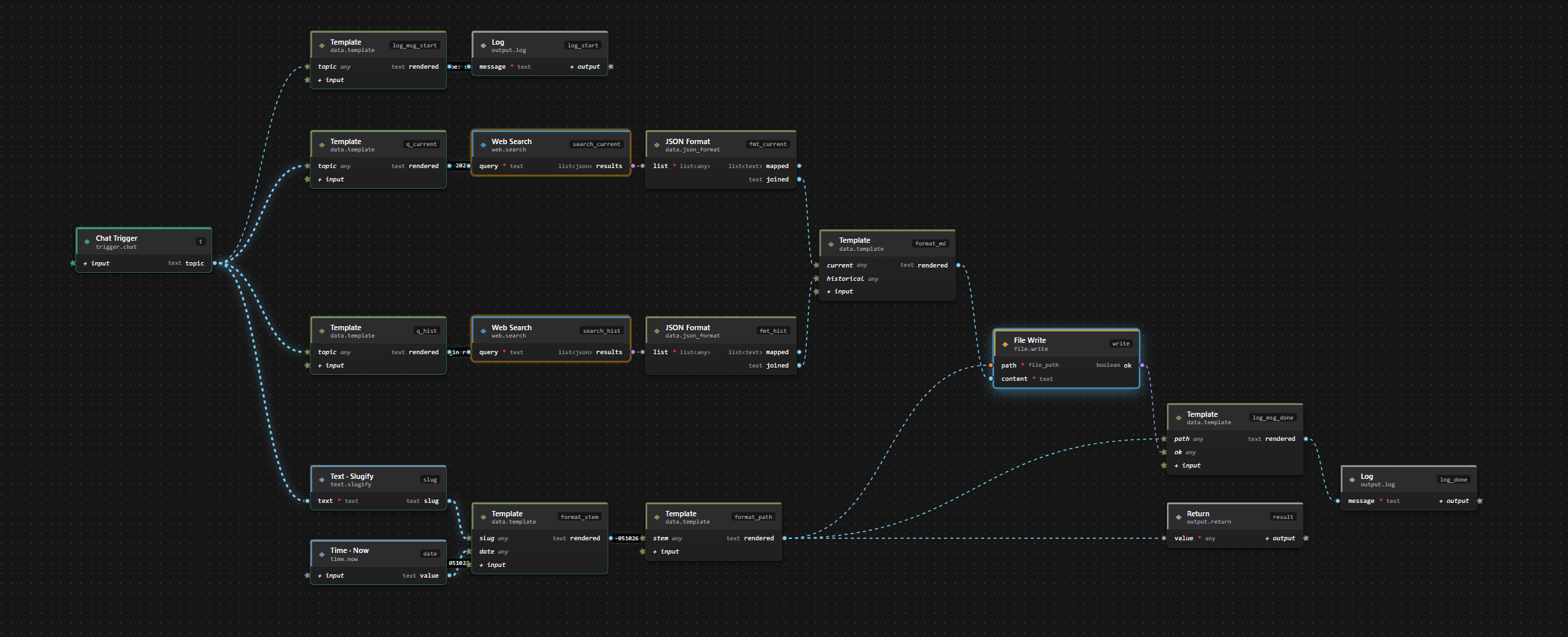
A full visual automation runtime with 50+ generic primitives. Wire them into any workflow. Save as plain JSON. Trigger from chat with a /command.
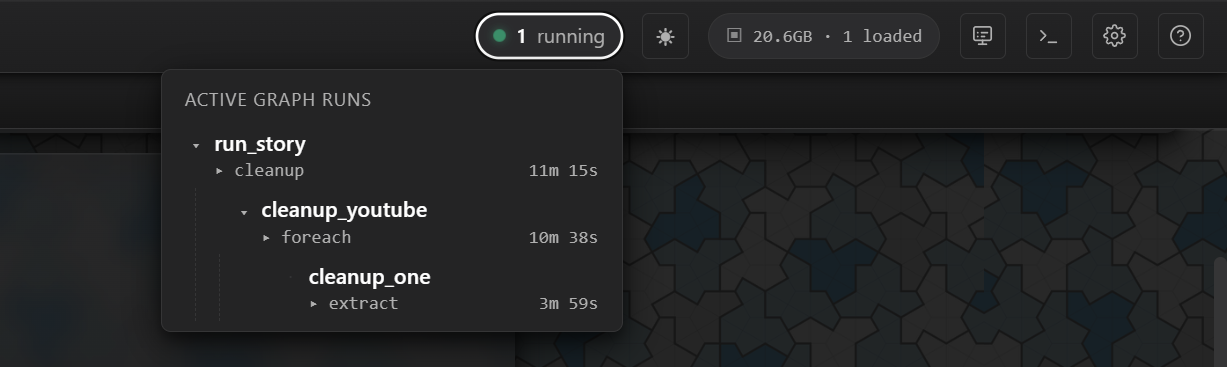
subgraph: node. Drop it on any canvas. Nested runs are first-class — visible in the active-runs tree, cancellable from the top level, recoverable on refresh.5/15 (1✗) — green for done, red overlay for failures. No guessing where a long batch run is..graph.json files. Toolbar Import and Export buttons round-trip them without loss. Share graphs as files; no proprietary format, no cloud registry required.
Type /stock NVDA 4d in chat. Sterling fetches OHLCV bars, computes indicators, renders a candlestick, embeds it in a markdown report, and opens a live interactive tab — without leaving the interface.
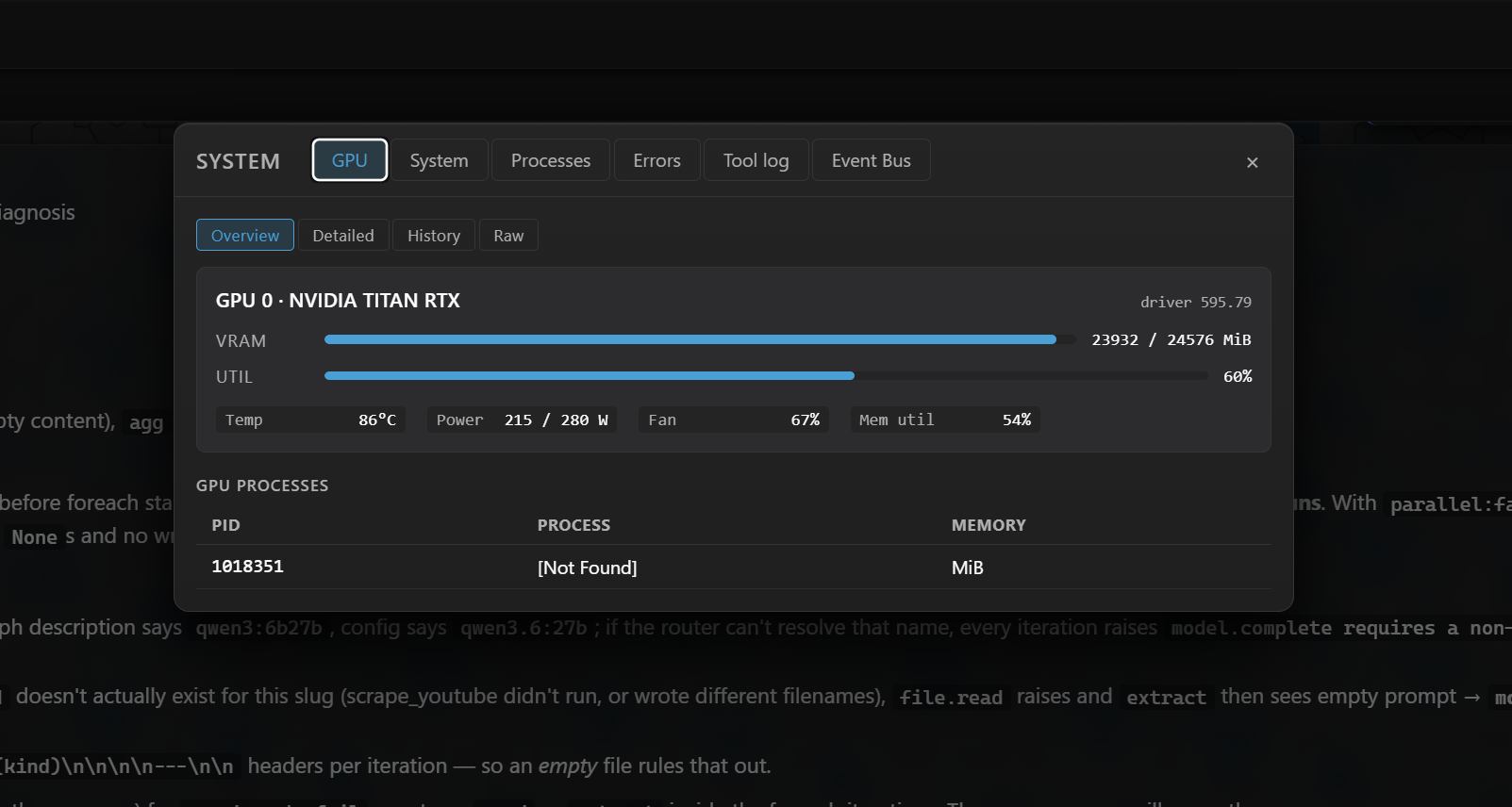
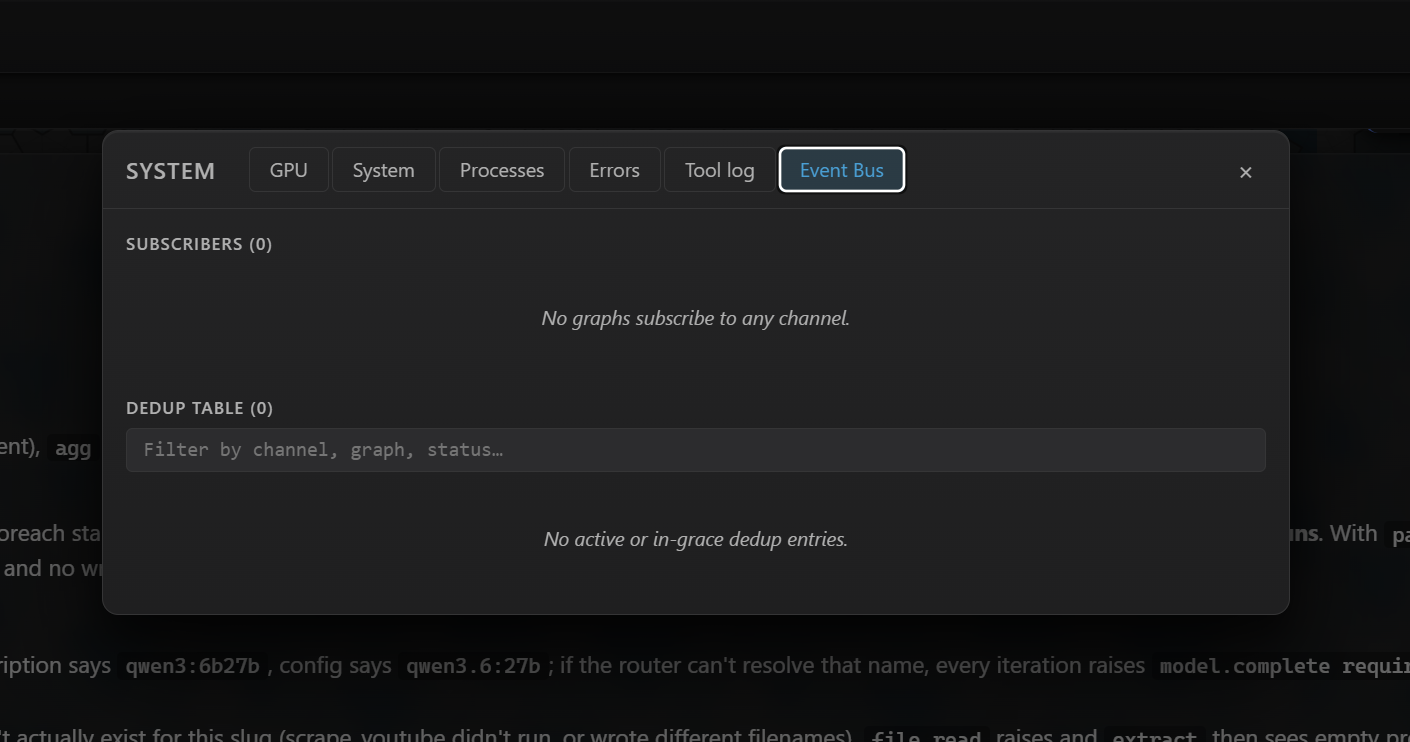
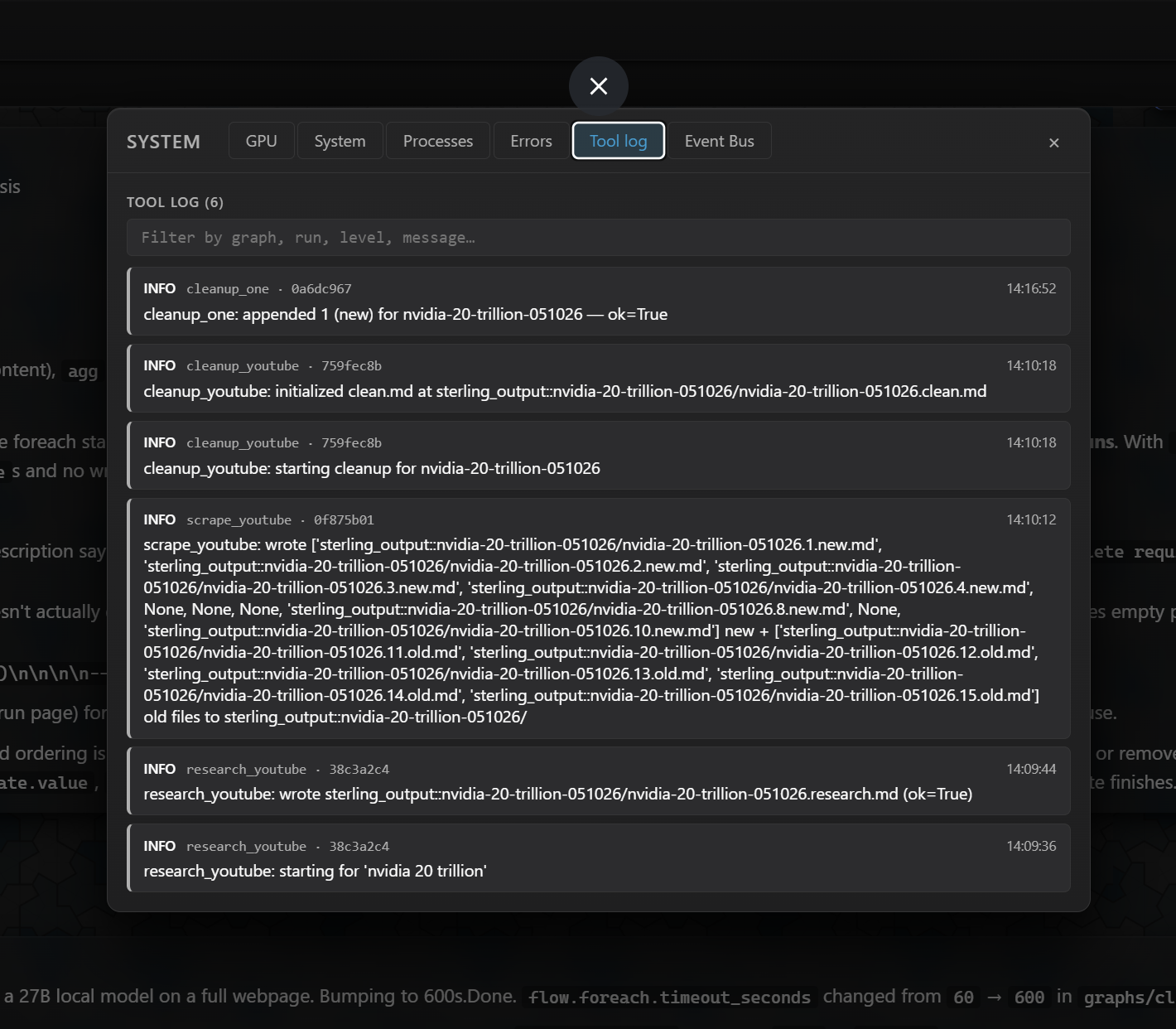
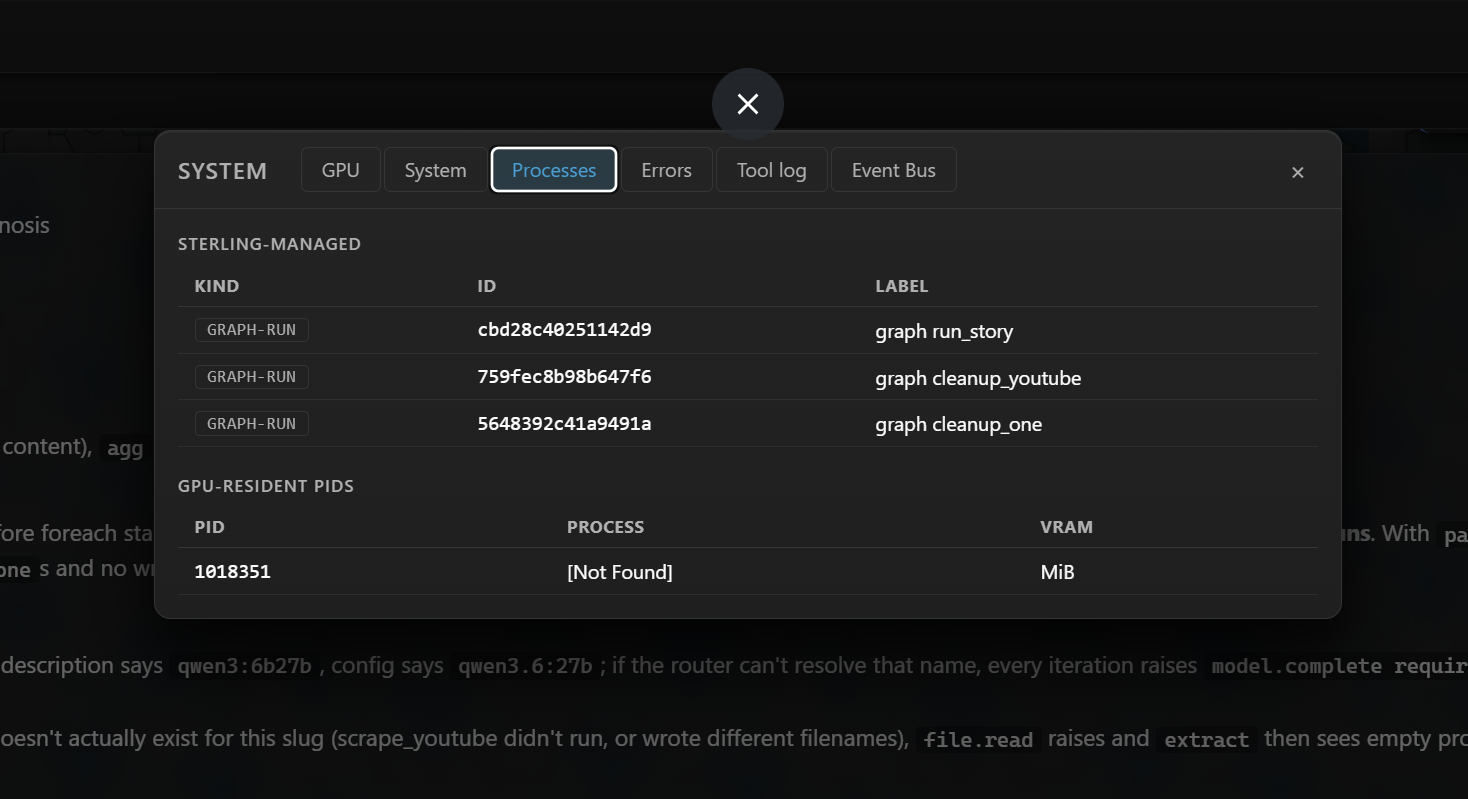
<num><unit> period: 1d, 4d, 1w, 2w, 1mo, 6mo, 1y, 7y, ytd, max. Period grammar bridges yfinance's fixed allowlist transparently.The System modal gives you a live window into every layer of the platform — GPU, processes, recent errors, the tool event log, and the pub/sub event bus subscriber table, all filterable in real time.
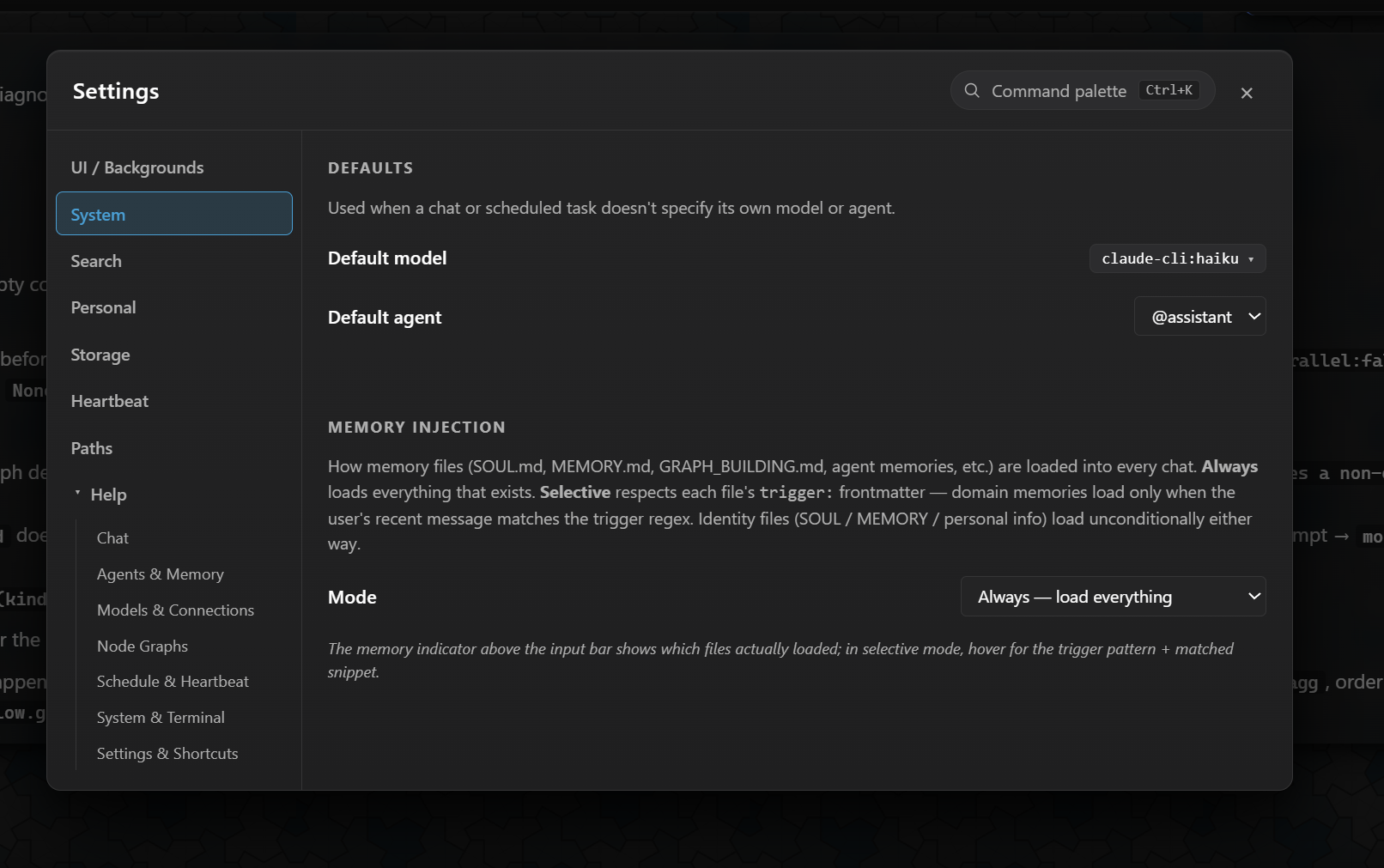
Sterling doesn't extract or summarize anything automatically. Every memory file is something you wrote, stored at a known path on disk. The platform assembles the system prompt fresh on every send.
trigger: <regex> header. In selective mode, only matching files load — keeping domain memories from taxing every turn.
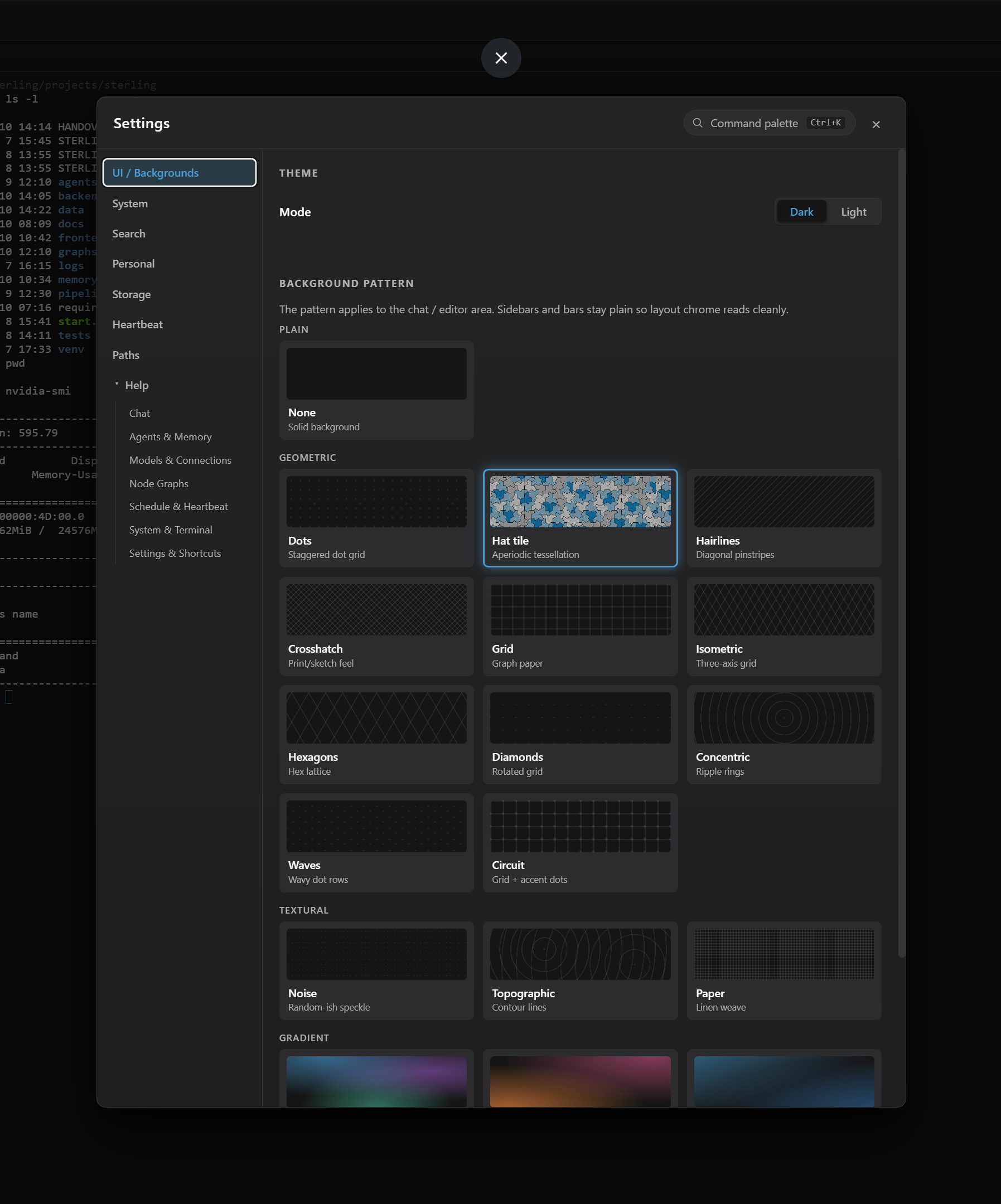
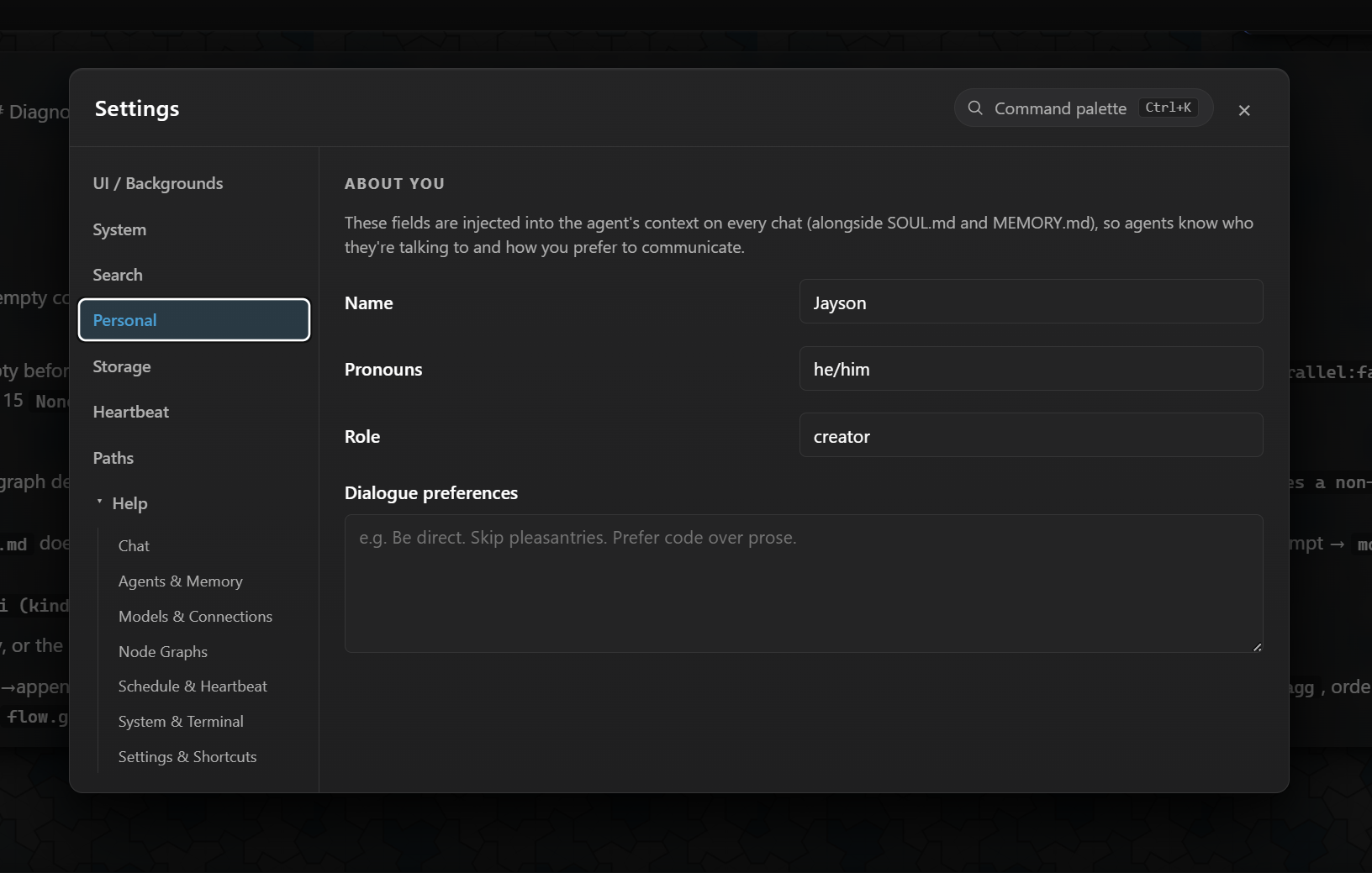
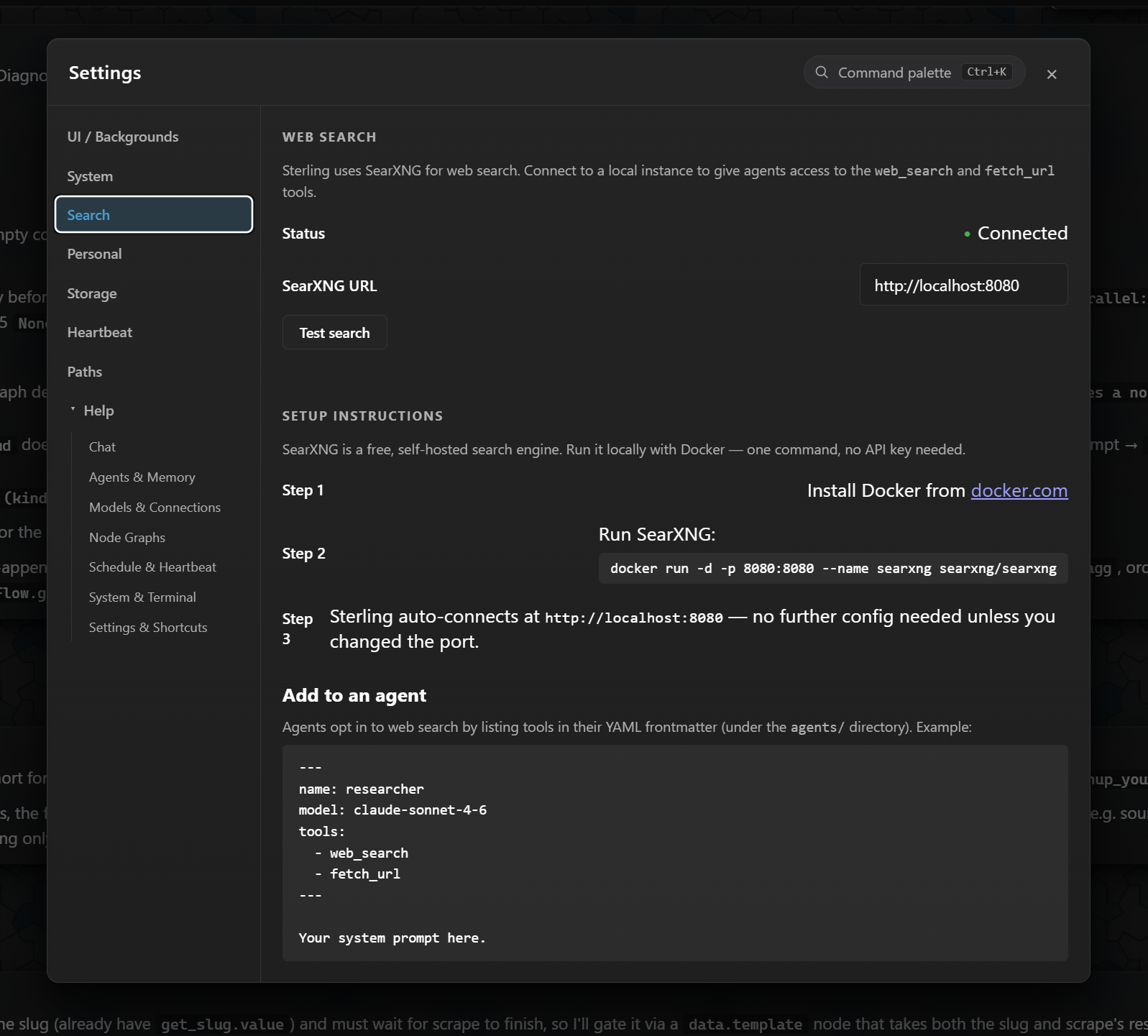
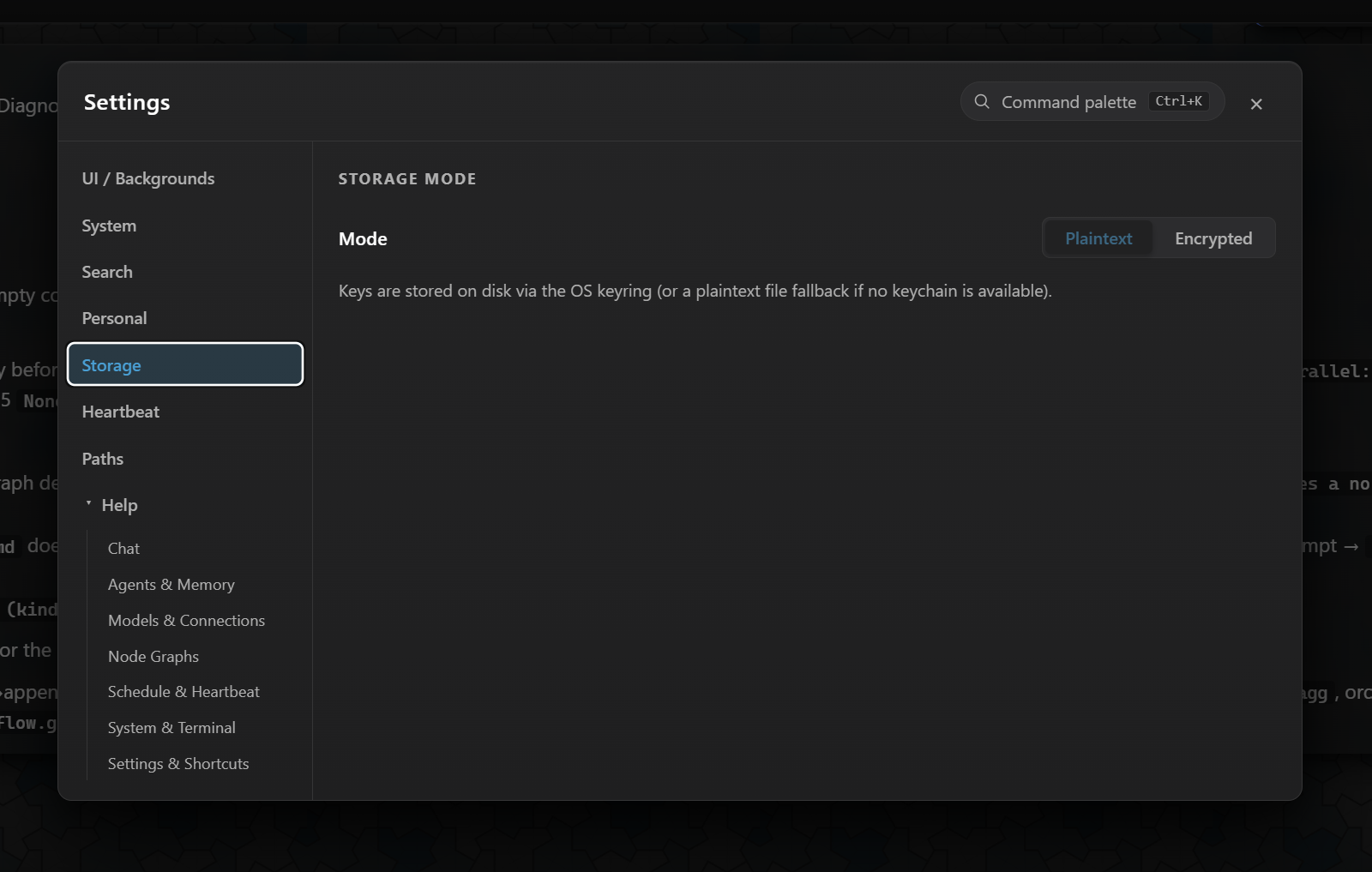
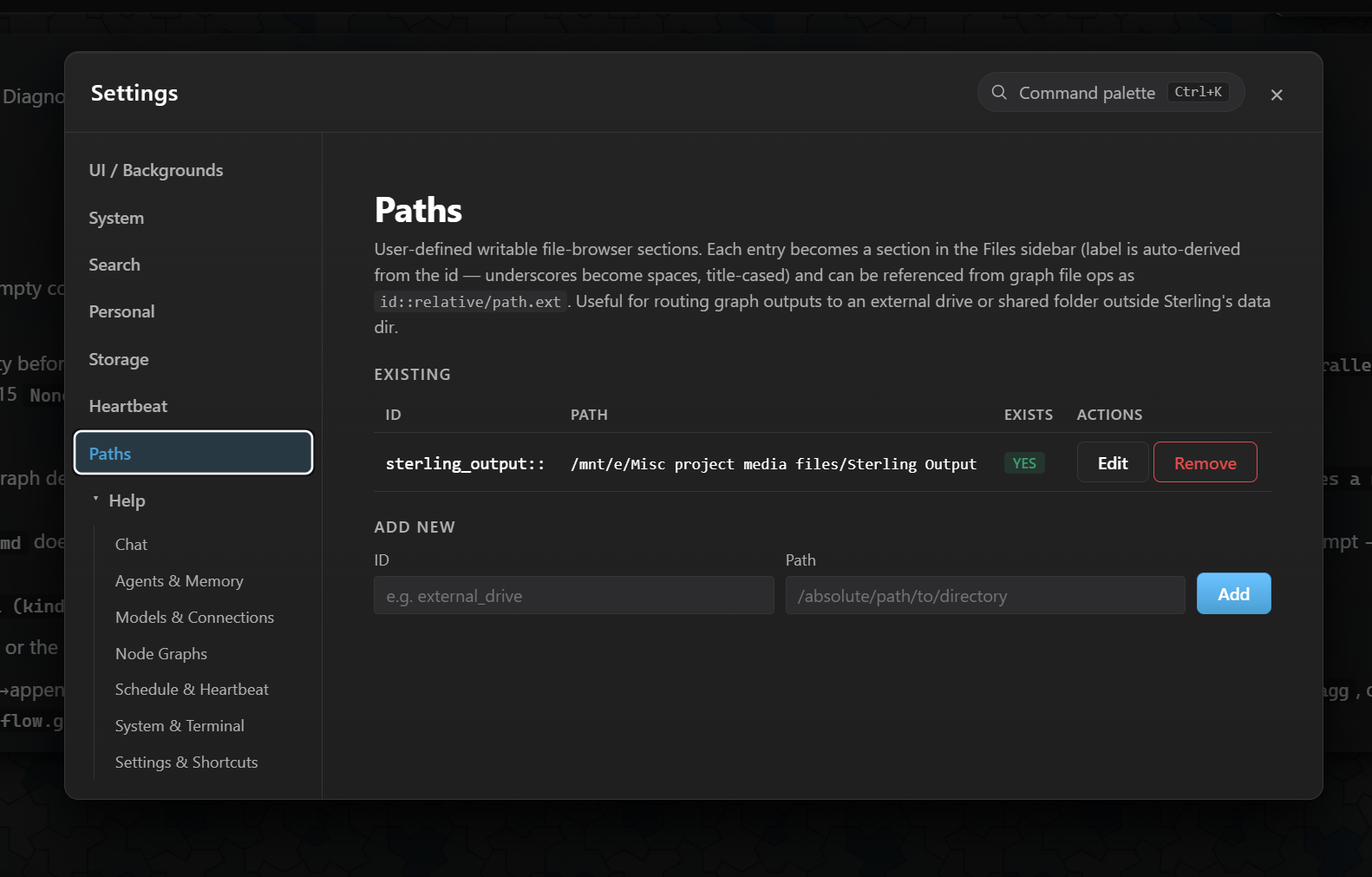
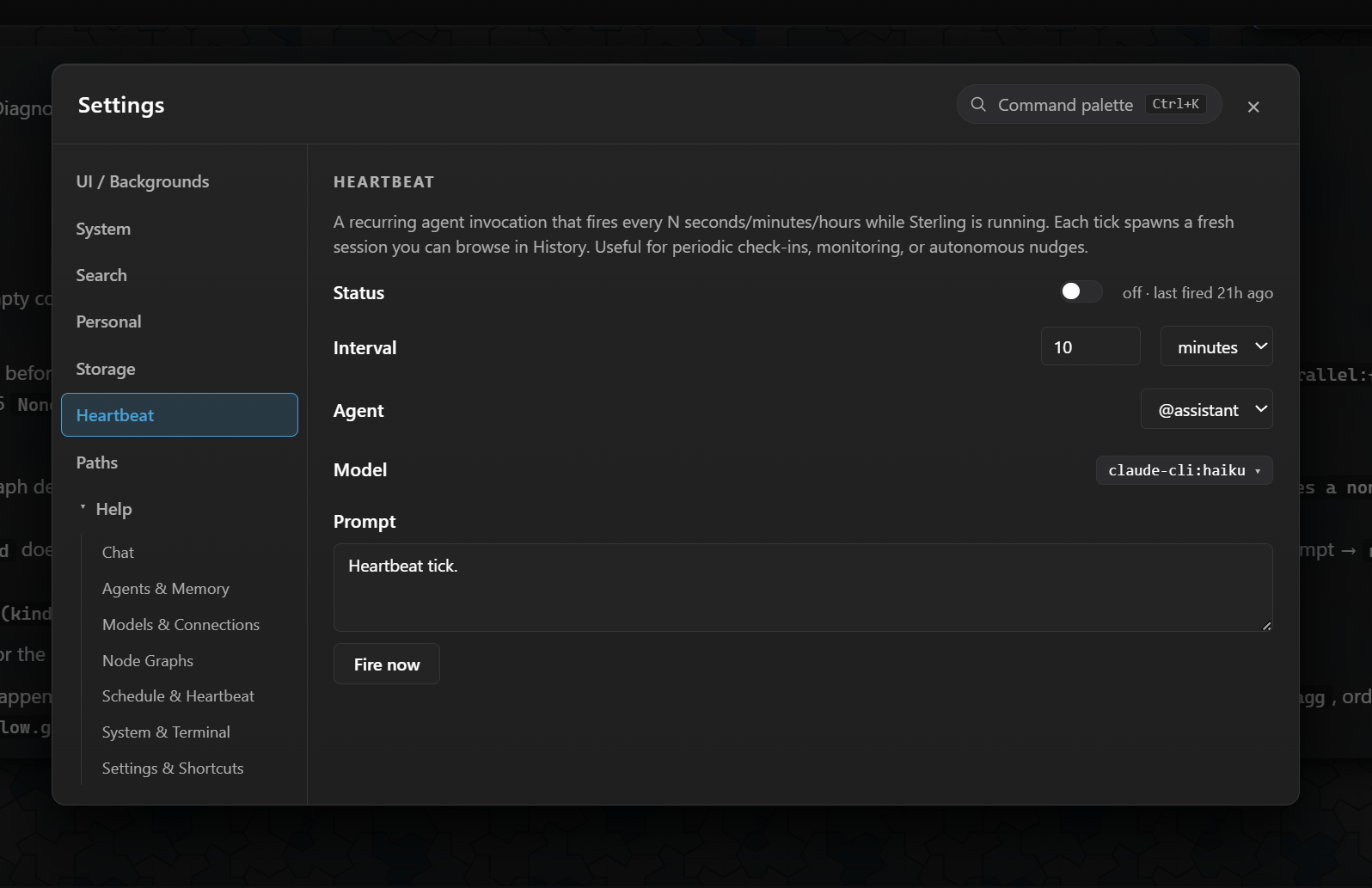
Every preference, every path, every API key — stored in plain files or your OS keyring. Eight pages of settings, zero cloud configuration.
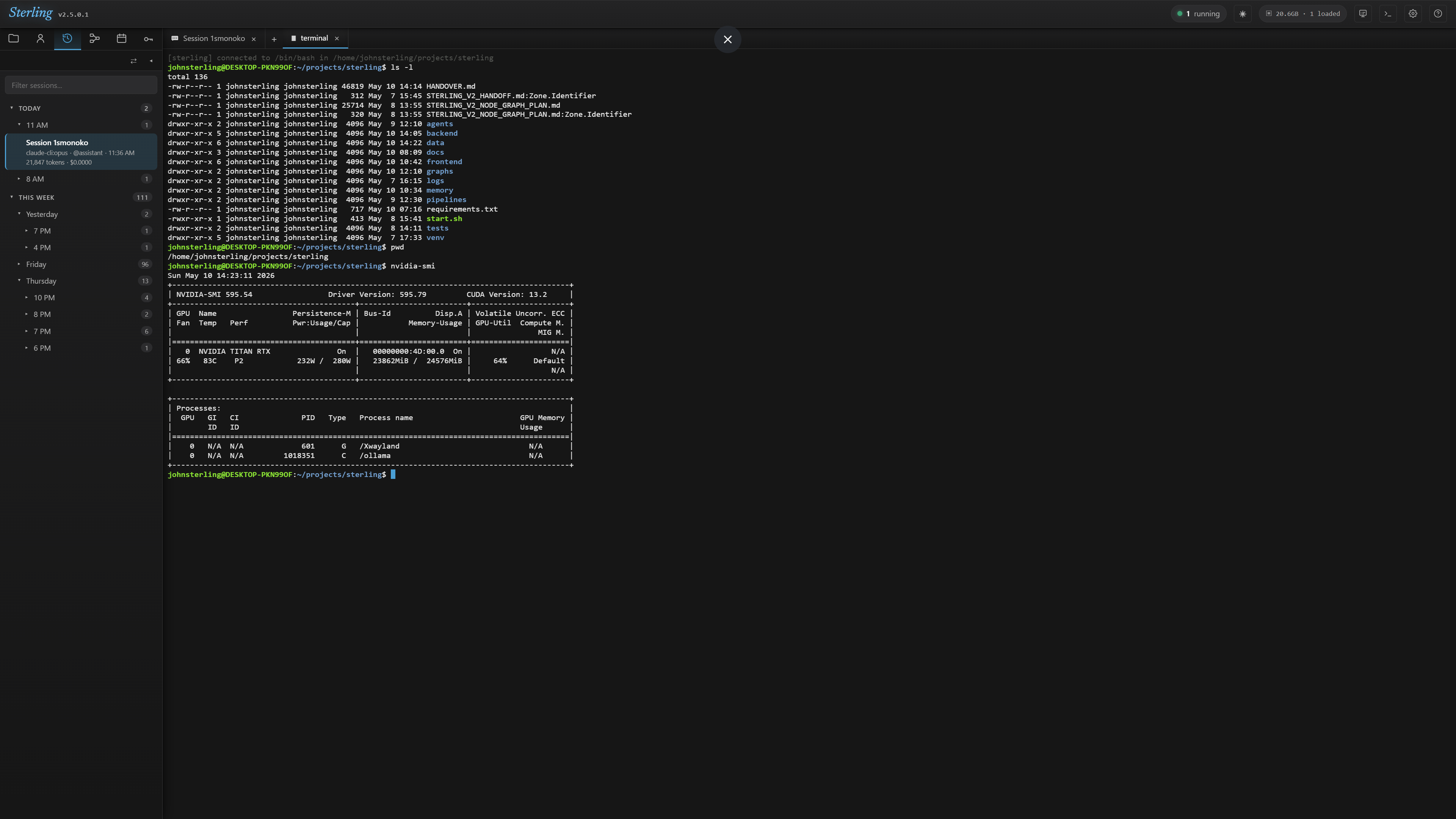
Every terminal tab is a full PTY-backed shell — your actual $SHELL, xterm-256color, ncurses support. vim, htop, less — all work. The terminal resizes the underlying PTY when the tab resizes, and closing the tab kills the shell cleanly.
Sterling binds to 127.0.0.1 by default. No telemetry, no analytics, no opt-out toggles — there's nothing to opt out of. Every session, memory file, agent, and graph is a plain file on your disk.
STERLING_BIND_ALL=1. Default is strictly localhost-only.
The largest hurdles in Sterling's history were reliability under production workloads. Each was diagnosed by tracing the actual code path and fixed structurally, not worked around.
Python + FastAPI on the backend, React + TypeScript on the front. A single shared WebSocket carries everything bidirectional. SQLite + JSONL + plain files for storage — no exotic infra.
Per-commit version bumps. Visible state. Built for users who have outgrown what a hosted chat product can do for them.